
Want to leave a review for us, but don’t know how? We got you covered!
Today, we are going to teach you how to leave a review on Google, Yelp, Facebook, Zillow, and Find A Mortgage Broker! We are also going over the video rules for the Review Challenge as well. With our easy-to-follow steps, you’ll be a pro at leaving reviews online. Let’s get started!
1. Video Review
We are adding a video portion to our review campaign this year! For the video:
• Make sure to keep your videos under 3 minutes!
• Talk about your experience working with us, your journey as a homeowner, and why you would recommend us!
• Make sure to send your video via email to ronnie@rhomeloans.com
2. Google
Step #1: Go to https://g.page/r/CYk6IE-xV21vEAE to visit our Business Profile page (make sure you are signed in to your google/gmail account beforehand)
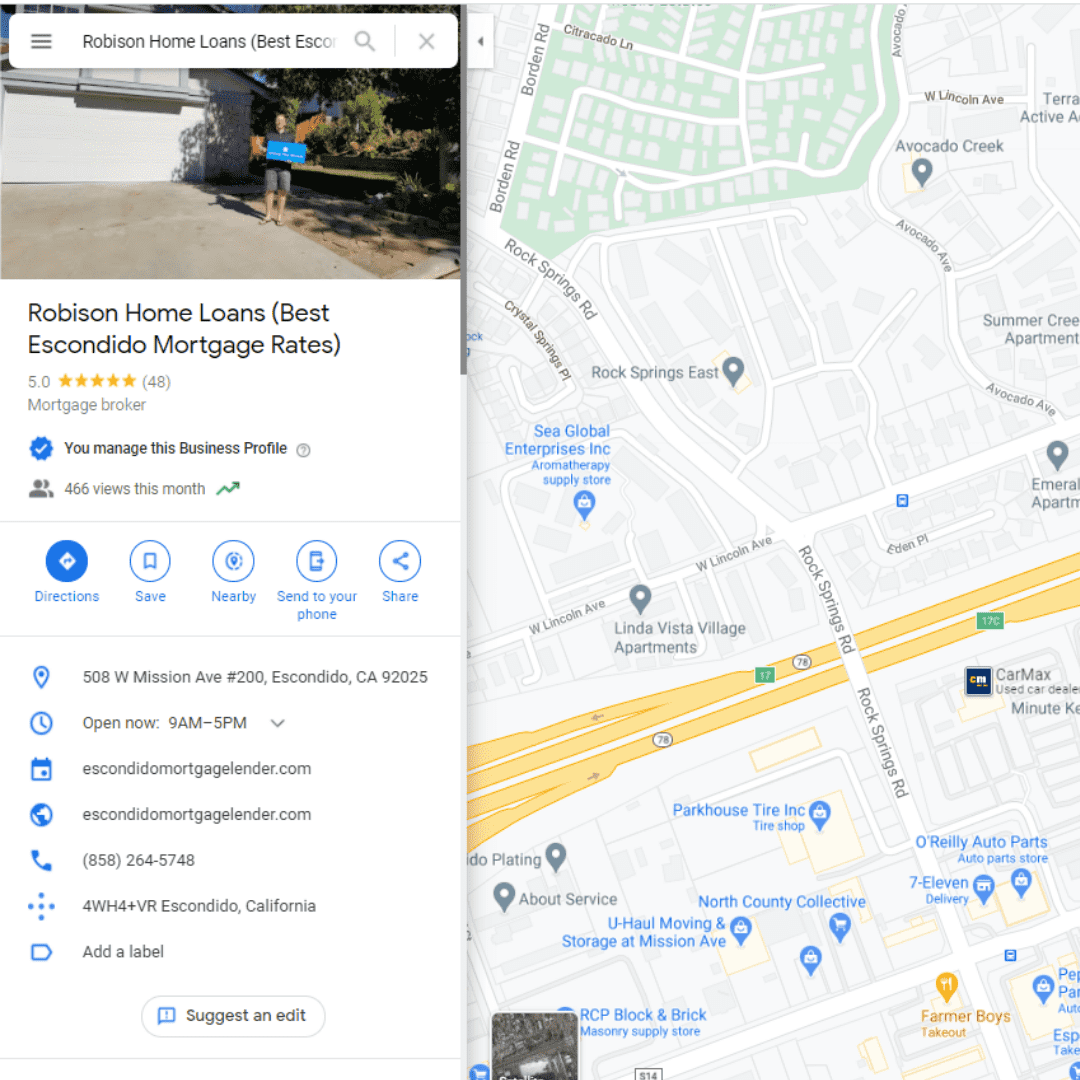
Step #2: Scroll down on the left side panel to the “Review Summary” section. From there, click on “More Reviews”
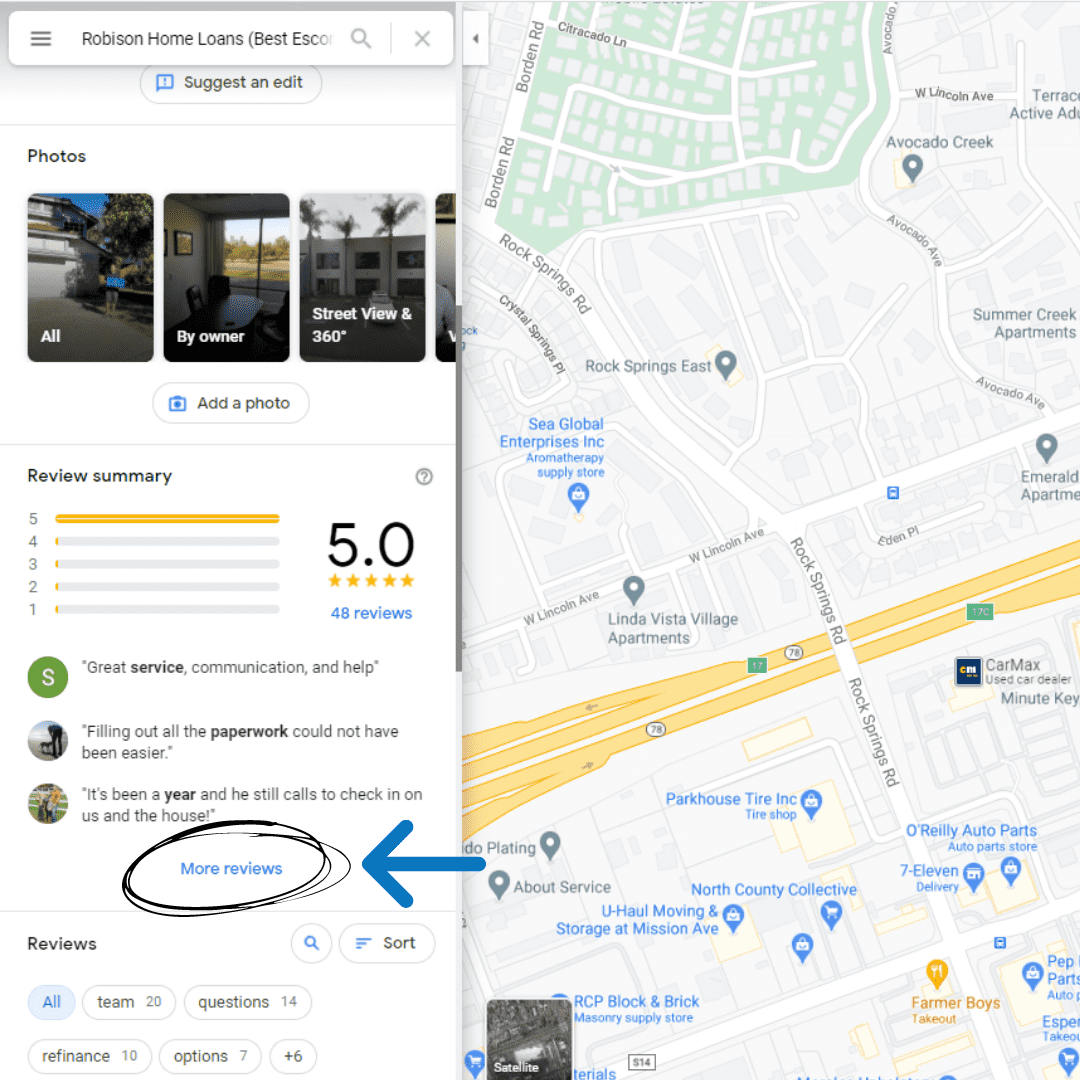
Step #3: You’ll be sent to the “All Reviews” section of our Business Profile. Click on the “Write A Review” button
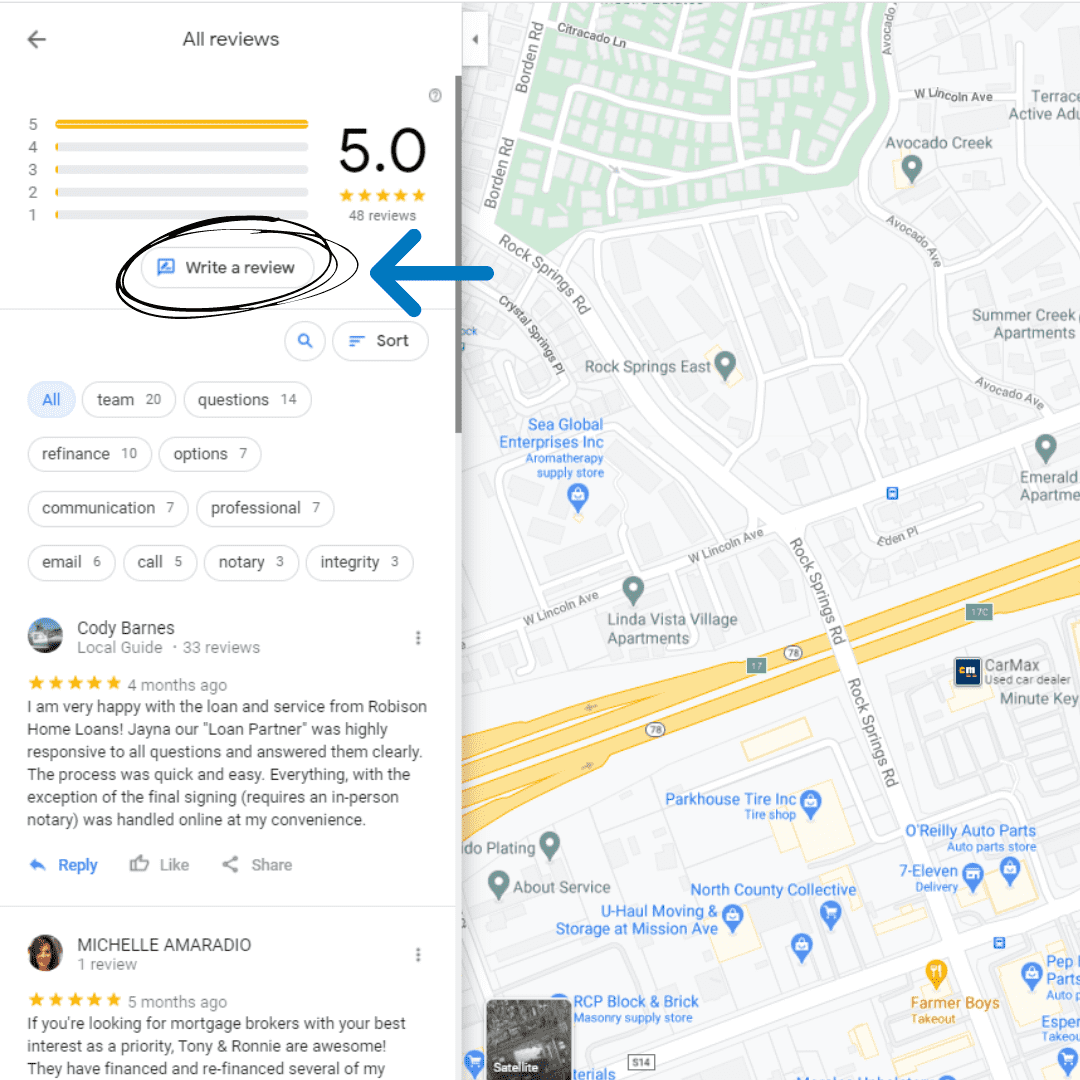
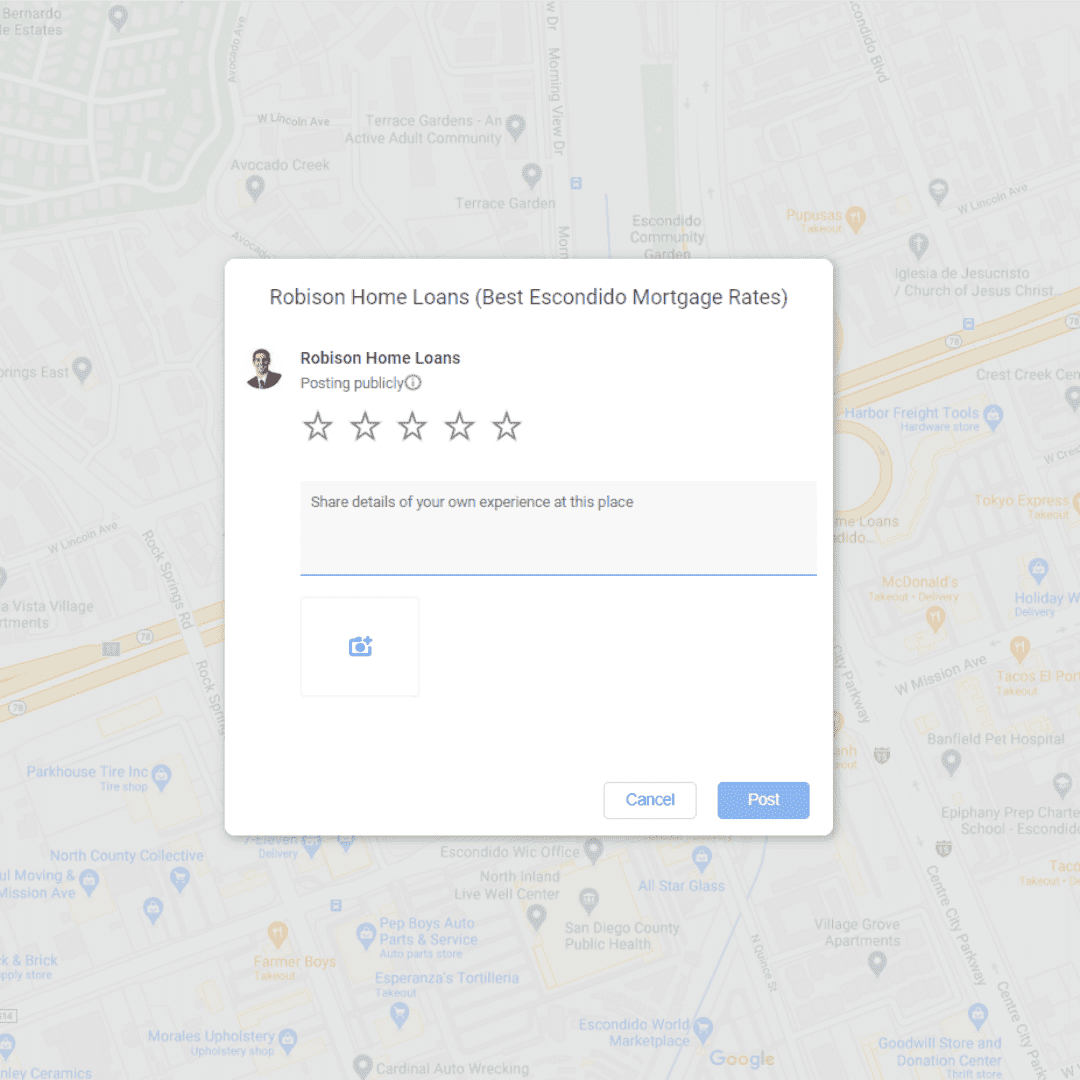
Step #4: Now you can leave your review! Mark how many stars out of 5 you give us and then type up your review below. Once everything is done, click on the “Post” button on the bottom right!
3. Yelp
Step #1: Go to https://www.yelp.com and sign-in to your account
Step #2: On the top right of the home page, click on “Write A Review”
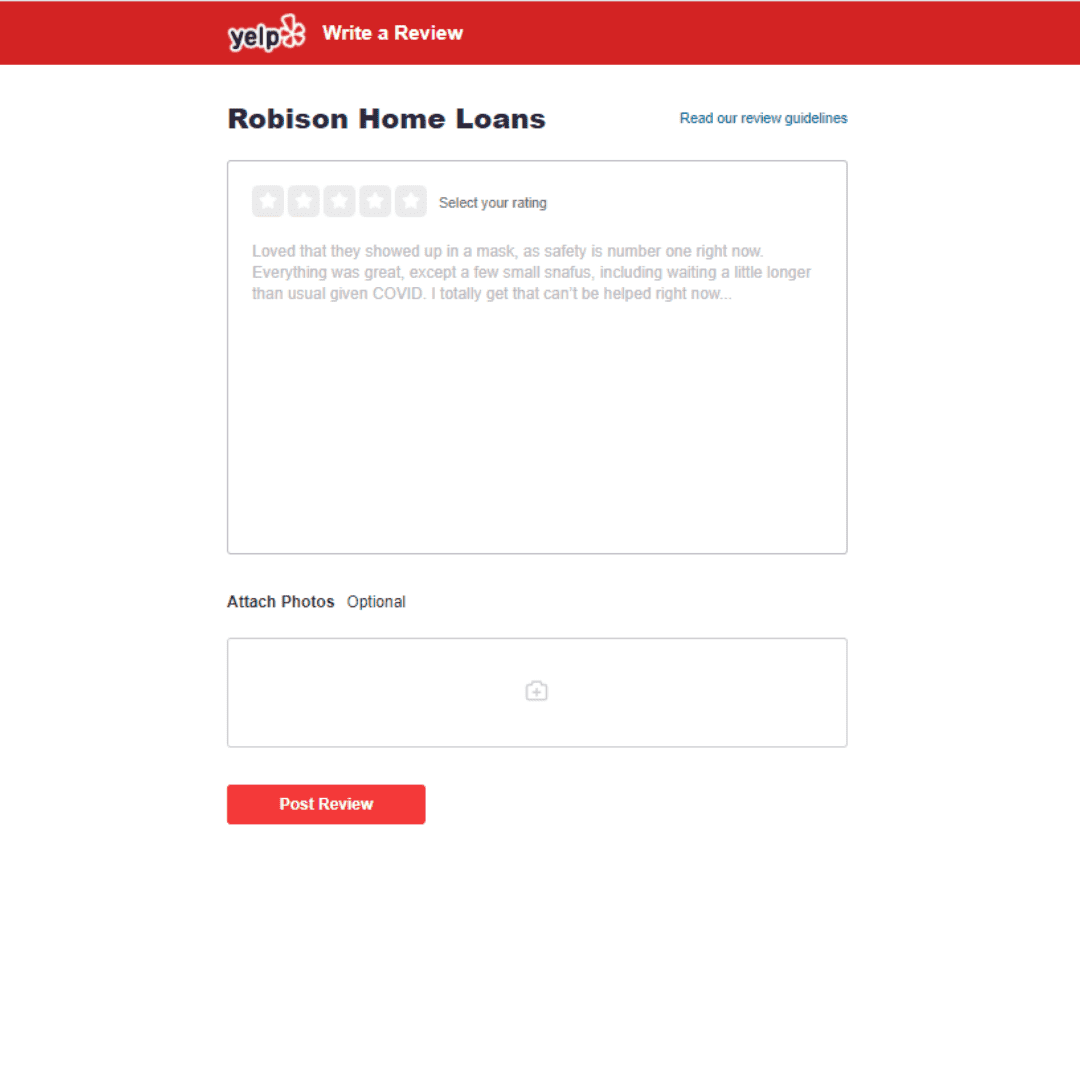
Step #3: Find “Robison Home Loans” using the search bar. Once you find us, click on ‘Write A Review”

Step #4: It’s time to type up your review! First, select your rating out of 5 stars. After that, you can type up your review and attach photos. Once everything is done, click on “Post Review”
4. Facebook
Step #1: Sign-in to your Facebook account and then search “Robison Home Loans” in the Search Facebook bar on the top left or go to https://www.facebook.com/RobisonHomeLoans/
Step #2: Once you’re on our Facebook page, click on Reviews/Recommendations
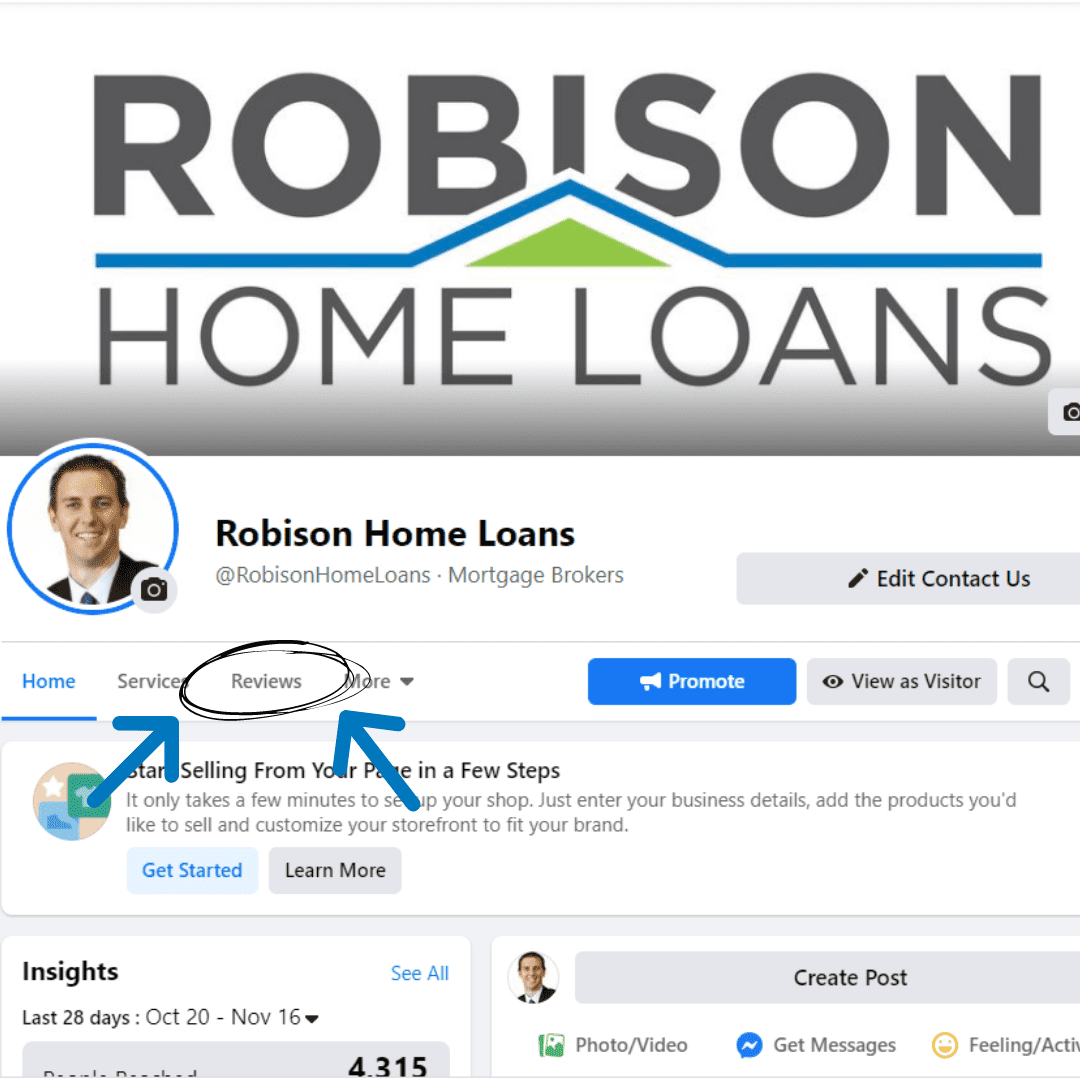
Step #3: Click on “Yes’ to Recommend the page
Step #4: Write up your recommendation! You can also select tags on the bottom that reflect our business
Step #5: Select your audience by clicking next to “Post”
Step #6: Click “Post”
5. Zillow
Step #1: Go to https://www.zillow.com & sign-in to your Zillow account
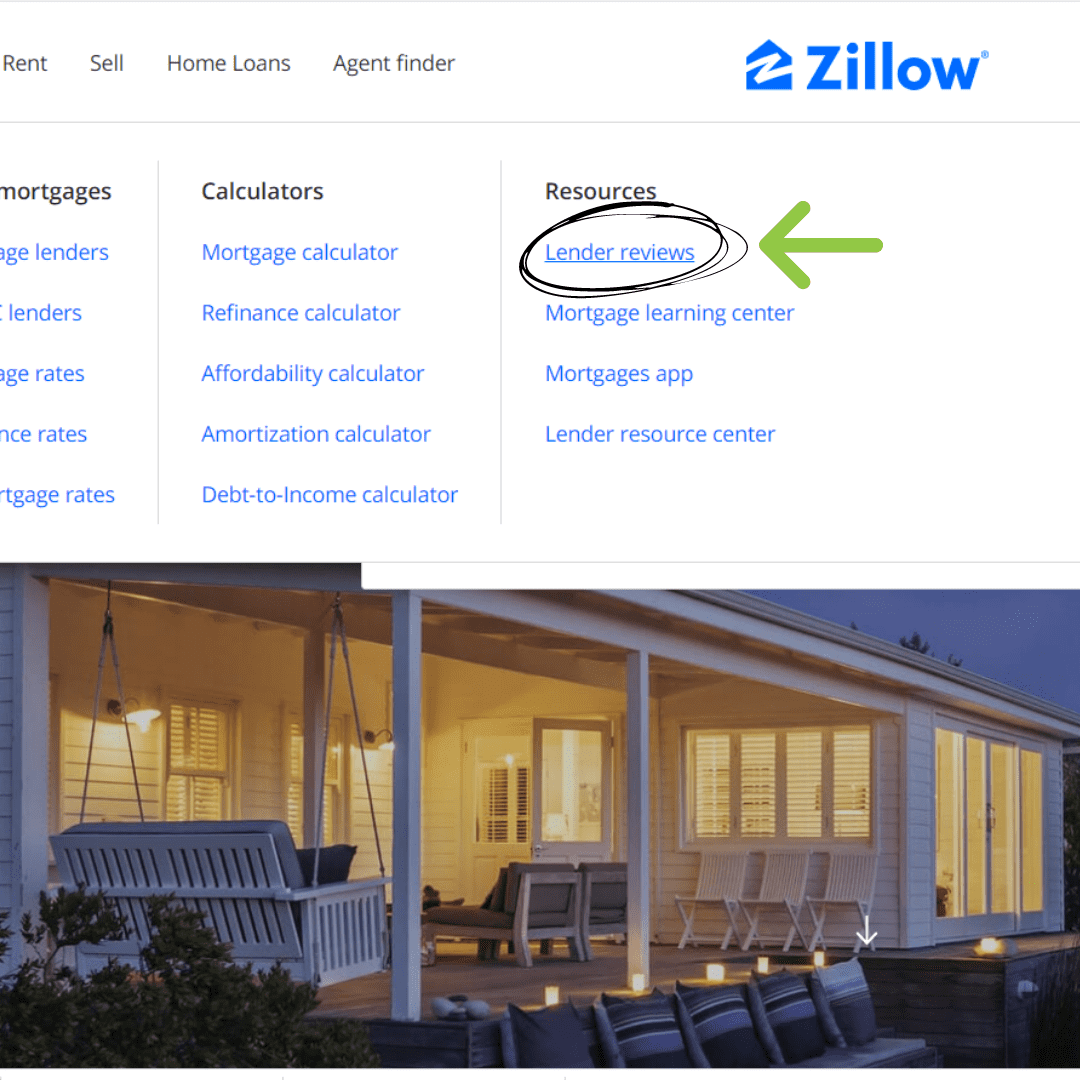
Step #2: At the home page, go over to the “Home Loans” section on the top left and click on “Lender Reviews”
Step #3: You will be sent to the Lender Directory page. Type in “Robison Home Loans” on the Name Search Bar and then click “Search.” Our company name and a picture of Ronnie will show up or click HERE to go straight to Ronnie’s page.
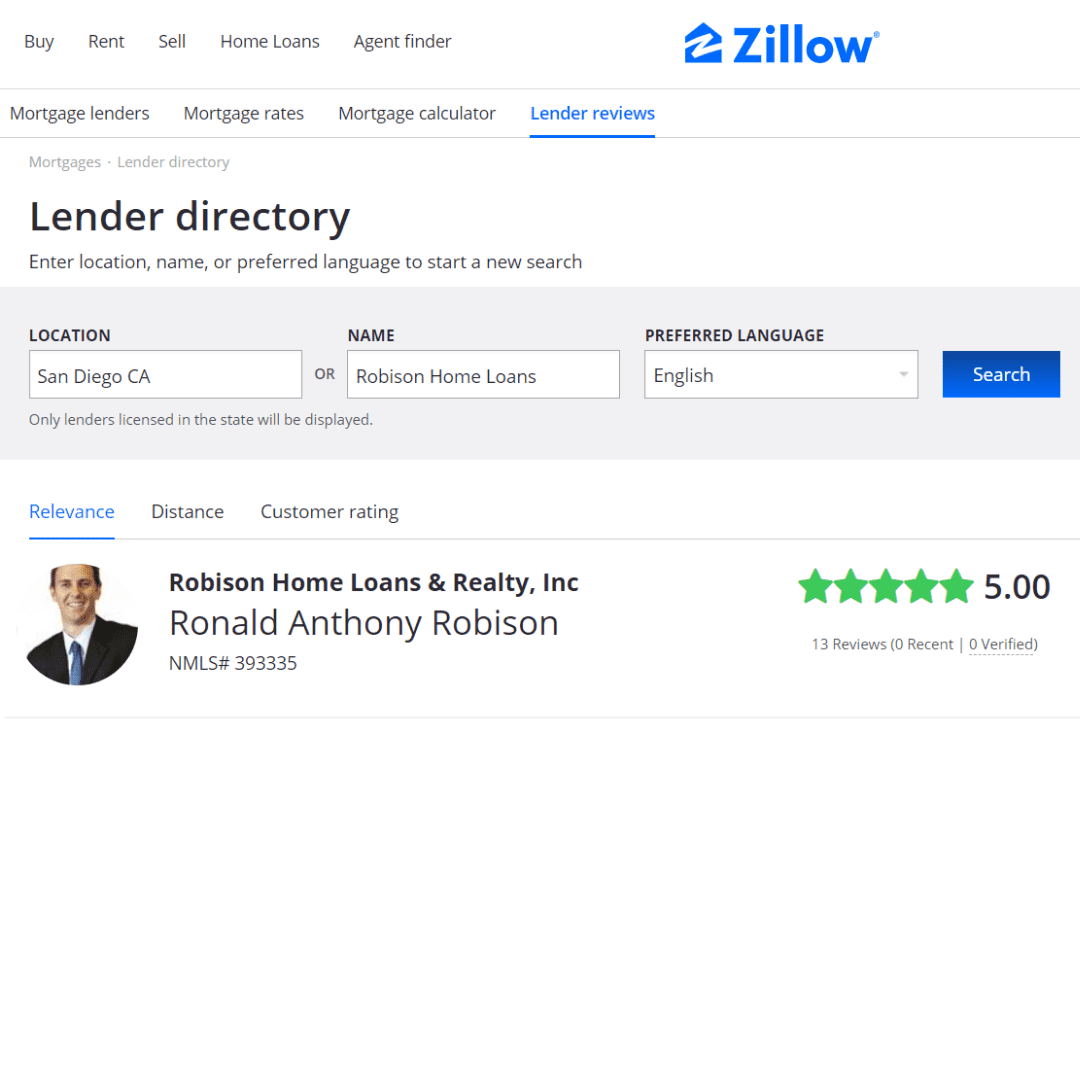
Step #4: Click on “Write A Review”
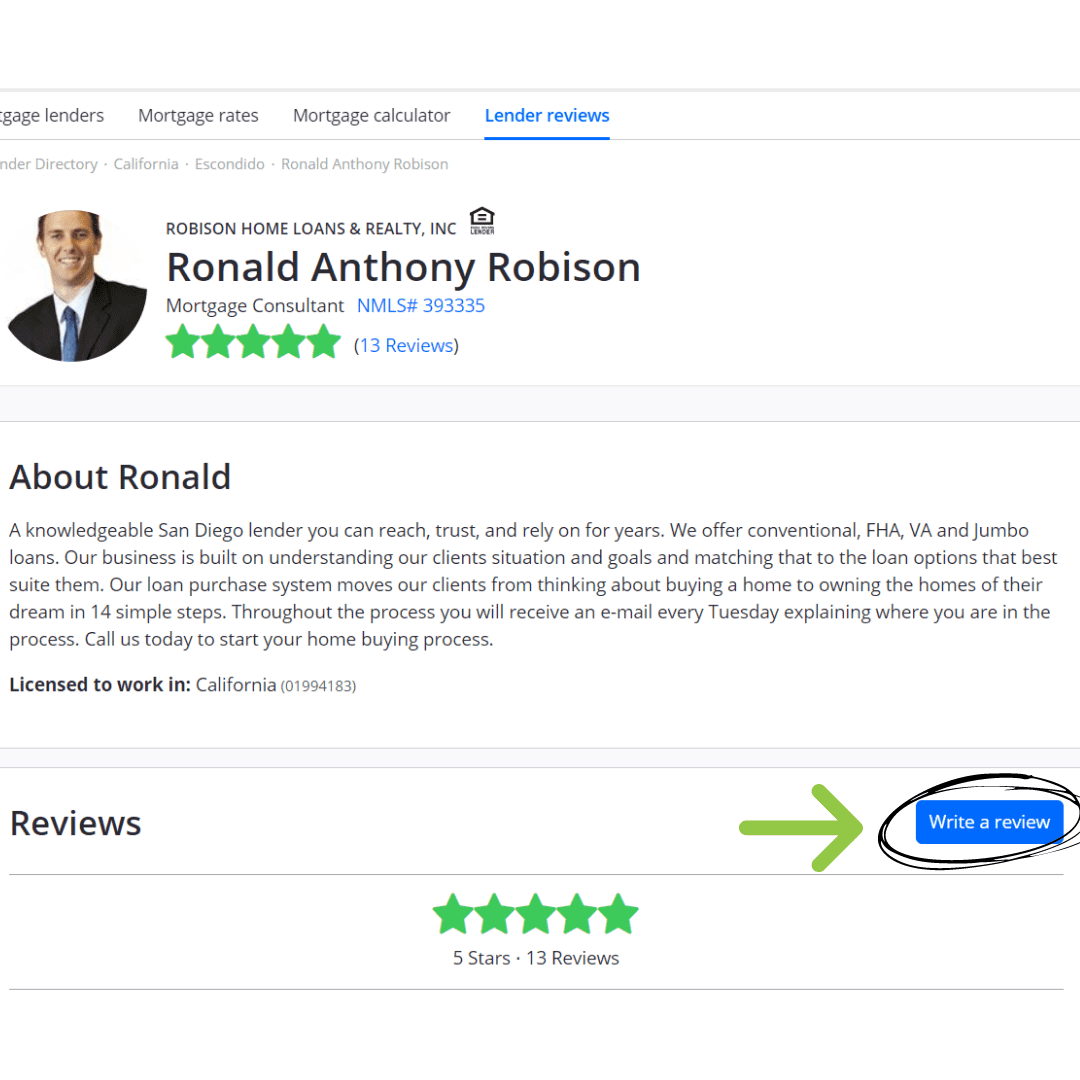
Step #5: Fill out the form and click on “Submit Review” on the bottom of the page
6. Find A Mortgage Broker
Step #1: Head over to https://findamortgagebroker.com/Profile/RonaldRobison37743 to head over to the company profile page
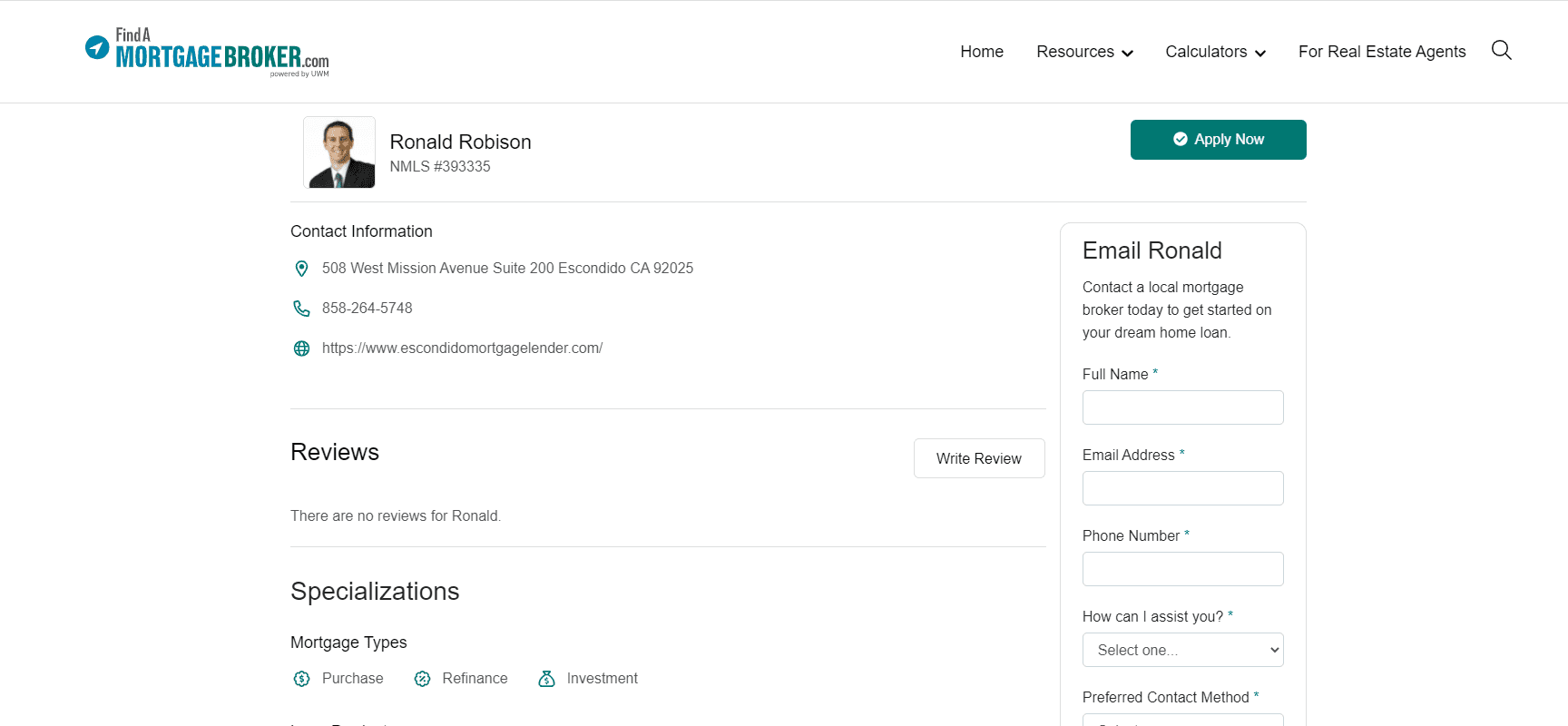
Step #2: On the company profile page, click on ‘Write Review”

Step #3: The review form should pop up! Fill out the form and click on “Submit Review” once you’re done!